
Migrating billing platforms means moving customers, payment methods, and subscriptions between systems without interrupting billing or losing subscribers. The safe path is staged: export and clean your data, transfer payment credentials securely, import subscriptions with preserved billing dates, test on a small cohort, then cut over.
Why migrations go wrong
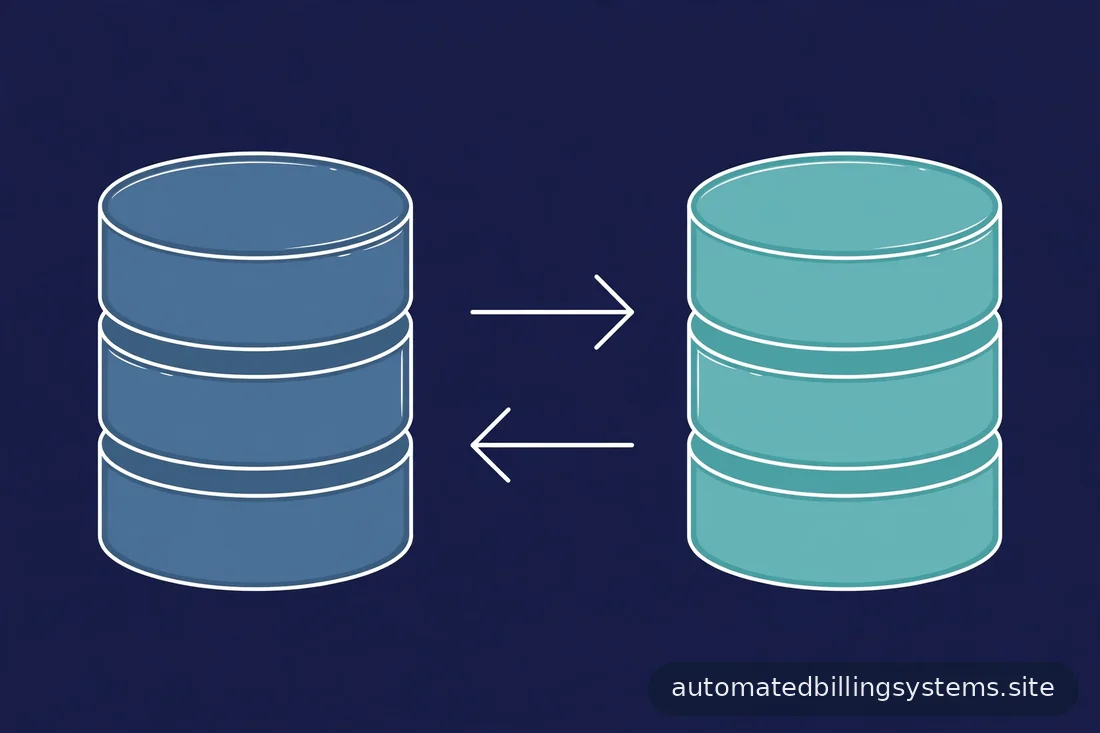
Billing migrations fail for a small set of repeatable reasons. The most expensive is double-billing: the old system and the new system both charge a customer, because old subscriptions were not cancelled at the right moment. The second is missed billing: subscriptions in the old system never got imported, so customers get free service until someone notices — or get cut off when someone does.
Then the quiet killer: payment method loss. If card data does not transfer correctly, imported subscriptions fail their first charge in the new system — manufacturing an involuntary-churn event across your entire base at once. Dunning can recover some, but a migration that triggers mass dunning is a migration that failed.
Finally, date drift: subscriptions imported with wrong billing-cycle anchors get charged on the wrong day or get a surprise prorated charge at import. Customers notice unexpected charges far more than backend systems.
The three migration stages
Stripe's migration documentation describes the canonical three-stage process, and the structure generalizes to any platform-to-platform move:
- Set up your billing integration — configure the new platform (products, prices, webhooks, tax, dunning) before customer data moves.
- Migrate customer and payment processor information — customer records and payment credentials move securely to the new system.
- Import subscriptions — recreate active subscriptions in the new platform with billing dates preserved.
Verify each stage before the next begins.
Stage 1: export and clean your data
Start with a complete export from the old system: customers, subscriptions (status, plan/price mapping, quantity, billing-cycle anchor, trial status, discounts, coupons), payment methods, invoices, and historical transactions. Most platforms provide dashboard exports or APIs; Stripe documents toolkit-based and API-based migration options — check current docs for your source and target.
Then clean it — where migrations are won or lost:
- Deduplicate customers. Years of operation produce duplicates (same person, two accounts) — decide the surviving record before import.
- Map plans to new prices. Old plan IDs rarely match new price IDs one-to-one. Build an explicit mapping table: every old plan → one new price. Flag plans with no equivalent — grandfathered plans, custom enterprise deals — for special handling.
- Resolve data quality issues. Missing emails, malformed addresses, inconsistent subscription states (active in the old system but cancelled in your database, or vice versa). Reconcile against your own database where the old platform's data is suspect.
- Segment the base. Identify cohorts needing special handling: mid-term annuals, trialing users, past-due accounts, enterprise contracts.
Stage 2: move payment method data
Payment credentials (card numbers, bank details) cannot be exported as plaintext — and you should not want them to be. They move through secure, processor-to-processor transfer mechanisms:
- Within the same processor family (e.g., old Stripe account to new Stripe account), a PAN-data copy process moves card data without ever touching your servers.
- Between different processors, the standard route is a card data export/import: the old processor exports encrypted card data; the new processor imports it. This typically requires coordination between both providers' support teams and takes days to weeks — start early.
- Tokenized migrations: some platforms import gateway or network tokens referencing the underlying card without re-exposing PAN data.
Critical rules:
- Never handle raw card data on your own servers — use the processors' transfer mechanisms.
- Verify import counts: payment methods in the new system must match the export count from the old. A silent 3% drop here becomes a 3% involuntary-churn event at the first billing run.
- Confirm default payment methods transferred correctly per customer — a customer with three cards needs the right one marked default.
Stage 3: import subscriptions
With the integration configured and payment data in place, import the subscriptions, preserving:
- Billing-cycle anchor: the date of the next charge. A customer billed on the 15th must still be billed on the 15th — not on the import date, not on the 1st. Confirm the field in your target's import format.
- Status: active stays active; trialing stays trialing with the correct trial end date; past-due stays past-due (manual review, not blind import).
- Quantity and pricing: seat counts, metered usage baselines, and mapped price IDs from the Stage 1 mapping table.
- Discounts and coupons: an imported subscription that drops the customer's 20%-off coupon is a price increase — map every discount.
- Metadata: internal IDs linking the subscription to your database, the old platform's subscription ID (for reconciliation), and application-logic flags.
- Tax settings: tax behavior (inclusive/exclusive), tax IDs, and exemption status must carry over, or invoices compute tax incorrectly.
Stripe documents toolkit and API import options — verify supported fields (customer, price, quantity, anchor, coupon, trial end, proration, collection method, tax settings) against current docs.
Set proration behavior at import to none unless you have a specific reason. The import itself should not generate charges or credits — it recreates the subscription as-is, and the next billing event happens on the preserved anchor date.
Preserving billing dates and proration
The billing-cycle anchor is the migration's most customer-visible field — get it wrong and support tickets spike.
For each subscription, the anchor should equal the next scheduled charge date in the old system. Between import and the anchor date, the subscription sits in the new system in a non-charging state.
Edge cases:
- Trials: a customer 6 days into a 14-day trial must have 8 days remaining after import — not a fresh 14 days, not zero.
- Annual subscribers: mid-term annuals are the highest-risk cohort — migrate them as a separate, manually verified batch.
After import, run a reconciliation report: for a sample of subscriptions, compare old-system next-charge date and amount against new-system next-charge date and amount — they must match.
Testing before cutover
Never migrate the full base without a pilot:
- Test-mode import: run the full import pipeline in the new platform's sandbox with production data (scrubbed of real payment credentials where required). Verify counts, anchors, amounts, statuses.
- Pilot cohort: migrate a small, representative slice of real customers — a few hundred spanning monthly/annual, trialing, discounted, multi-seat. Choose customers you can support closely.
- Parallel billing observation: for the pilot cohort, let the new system own billing while you monitor the first full billing cycle — charges on the right dates, for the right amounts, with correct invoices and tax.
- Webhook and integration verification: confirm your application's webhooks fire correctly from the new platform and your systems handle them.
The cutover: how to switch safely
The cutover sequence for the full base:
- Freeze plan changes in the old system for 24–48 hours so the export snapshot stays accurate.
- Run the final export and import for the full base.
- Verify counts and anchors — every active subscription in the old system has exactly one counterpart in the new.
- Cancel subscriptions in the old system — the double-billing guard. Cancel after verifying the import, not before. Some teams cancel at period end rather than immediately, so the old system cannot charge again while the new one is authoritative.
- Switch new signups to the new platform at the same moment — no window for new customers landing in the old system after cutover.
- Monitor the first billing run intensely — failed payment rates, support tickets, webhook errors — with a pre-made rollback decision.
Keep the old platform accessible for two billing cycles for reconciliation and rollback.
Communicating with customers
Most customers need not know a migration happened — telling them in a way that creates anxiety is worse than silence. The rule: notify only where customer action or visible change is involved.
- No action needed, no visible change: a brief notice (email or changelog) that billing infrastructure was upgraded — no action required. This preempts suspicion if they notice a new statement descriptor.
- Payment method re-entry required: if some payment methods could not transfer, those customers need a direct, personal email with a one-click update link — not a mass blast that panics everyone.
- Statement descriptor changes: warn customers if the charge descriptor will look different, to avoid "what is this charge" disputes and chargebacks.
- Enterprise customers: personal outreach from the account owner before migration, regardless — their contracts may even require notice.
Common pitfalls
- Migrating dirty data. Duplicates, unmapped plans, and inconsistent statuses imported as-is become production bugs — clean first.
- Forgetting webhooks. The new platform's events must drive your app's entitlement logic. A subscription active in the billing platform but unknown to your app is a support ticket; the reverse is free service.
- Tax configuration gaps. Tax IDs, exemption certificates, and tax behavior that lived in the old system must be recreated — wrong tax on invoices is a compliance problem, not just a cosmetic one.
- Dunning reset. Customers mid-dunning in the old system need their dunning state carried over or restarted deliberately — never silently dropped (free service) or double-triggered.
- No rollback plan. Decide in advance what "abort" looks like and who makes the call. A migration with no defined abort criteria drifts forward through problems that should stop it.
- Migrating at the worst time. Avoid month-end, quarter-end, and your annual-renewal peak — pick the quietest billing week you have.
- Migrate in three stages: configure the new integration, move payment data securely, then import subscriptions — verify each stage before the next.
- Never touch raw card data; use processor-to-processor transfer mechanisms and verify import counts exactly.
- Preserve billing-cycle anchors, statuses, discounts, and tax settings on every import; set proration to none at import.
- Pilot on a small cohort through one full billing cycle before full cutover.
- Cancel old-system subscriptions after verifying the import — this is the double-billing guard.
- Keep the old platform accessible for two billing cycles post-cutover for reconciliation and rollback.
Frequently asked questions
How long does a billing platform migration take?
Typically 4–12 weeks: export and cleaning (1–3 weeks), payment transfer coordination (1–4 weeks), import pipeline and testing (2–4 weeks), pilot cycle (one billing period), then cutover. Rushing testing is where migrations fail.
Will customers need to re-enter their payment details?
Not if the payment data transfer succeeds — processor-to-processor transfers move card credentials without customer involvement. Some payment methods may not transfer (certain bank debit types, expired tokens); those customers need a targeted re-entry email with a direct update link.
Can I migrate subscriptions without downtime?
Yes — import subscriptions into the new platform while the old one is still authoritative, then switch authority at cutover. Customers experience no service interruption; the visible change (if any) is only the statement descriptor.
What happens to trials and discounts during migration?
They must be explicitly preserved: trial end dates, coupon codes, discount percentages are all import fields. An import that drops a customer's discount is effectively a price increase — map every discount in Stage 1 and verify on the pilot.
Should I migrate annual subscribers differently?
Annuals deserve extra care: a billing-date error on an annual charge is large and noticeable. Many teams migrate annuals as a separate, manually verified batch.
What is the biggest risk in a billing migration?
Double-billing (old and new systems both charging) and payment-method loss (imported subscriptions failing their first charge en masse). Prevent both with one discipline: verify the import completely before cancelling anything in the old system, and verify payment-method counts exactly.
Conclusion
Billing migrations are high-stakes but formulaic: clean data, secure payment transfer, faithful import with preserved anchors, a piloted cutover, deliberate customer communication. The failures — double-billing, lost payment methods, date drift — all come from skipping steps. Follow the stages, verify each one, and customers will never know the migration happened. If you are evaluating which platform to migrate to, start with our buyer's checklist and our Stripe Billing, Chargebee, and Recurly reviews.
—
Pricing and features change — verify current details on each vendor's pricing page before deciding. Research-based guide; no vendor testing involved.